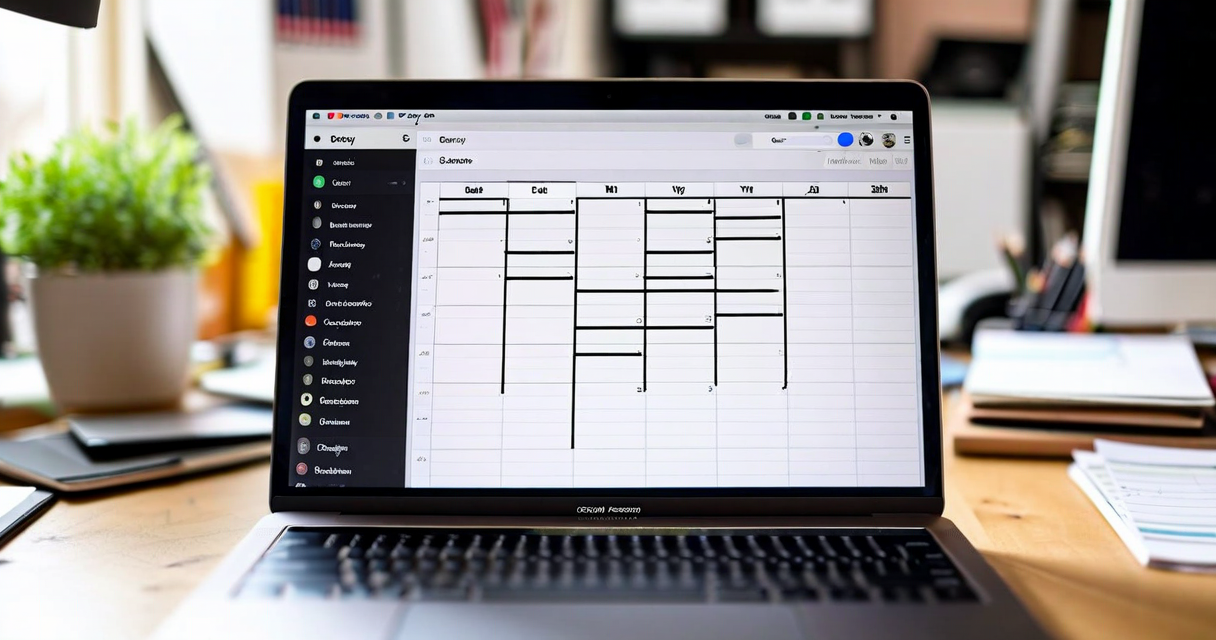
Almost every creator has tried a content calendar and abandoned it. This happens so consistently — across experience levels, niches, and platform types — that it's worth asking whether the tool is wrong rather than the person.
The calendar most creators try is a spreadsheet, a Notion database, or a dedicated app like CoSchedule or ContentCal. All of these were built for marketing teams: groups of people with defined roles, consistent output volumes, and content that follows a predictable approval workflow. None of those conditions apply to a solo creator who makes one to five pieces per week and whose schedule shifts based on their energy, external events, and what topics feel alive right now.
The maintenance burden is the actual problem
A marketing calendar requires constant updating because it's tracking multiple people and multiple content streams. For a solo creator, the same updating overhead exists — but with no team benefit to justify it. You're spending 30–45 minutes a week updating a tool that tells you what you already know.
When something breaks the schedule — you miss a day, you shift a piece, you want to swap two dates — updating the calendar is a chore. Most people make the change in their head but don't update the calendar. After a few weeks, the calendar no longer reflects reality. At that point it has no utility, and abandonment follows.
In our beta, 31 out of 47 creators reported they had abandoned at least one content calendar system in the previous 12 months. The median time before abandonment was 19 days. The reasons were consistent: "too much maintenance," "didn't help me write faster," and "I stopped trusting it."
What a creator-native calendar needs to be different about
Three structural differences separate a creator-native calendar from a team-marketing calendar.
First: the calendar should be the output of your content objects, not a separate layer. If you're already tracking a piece of content — its topic, its draft status, its target publish date — the calendar should just be a view of that data. Updating the draft status updates the calendar. There's no second system to maintain.
Second: the calendar should show multi-channel reality. Most solo creators publish to at least three platforms. A calendar that shows one stream (e.g., only your YouTube schedule) is misleading because it doesn't show the total output load. A creator publishing two YouTube videos, three LinkedIn posts, and a newsletter in a given week needs to see all of that in one view to understand whether the week is realistic.
Third: the calendar should surface gaps as a prompt, not a guilt trip. A blank Tuesday isn't a failure — it might be intentional. The difference between a motivating calendar and a demoralising one is whether it frames gaps as problems or as decisions. Deaku's calendar view shows gaps with a subtle visual cue but doesn't mark them as missed or late. That distinction took us three design iterations to get right.
Optimal posting times: useful data or distraction
Every scheduling tool will tell you "the best time to post is Tuesday at 10am" or some variation. These recommendations are based on platform-aggregate data and are, at best, a weak prior. Your audience is not the global average audience, and the effect of posting time on performance is much smaller than the effect of content quality.
That said, consistent posting patterns do matter — not because the algorithm rewards specific times, but because your audience builds habits. If you always publish on Monday morning, your Monday morning readers show up. If you publish randomly, they can't build that habit. The value of a schedule isn't precision timing; it's predictability for your audience.
Deaku surfaces optimal posting times as a soft suggestion based on your actual historical data — when your previous posts generated the most first-hour engagement. It's a personalised signal rather than a generic recommendation. We still recommend ignoring it when the content isn't ready. A well-made piece posted at a suboptimal time outperforms a rushed piece posted at the perfect moment every time.
The drag-and-drop design choice
Drag-and-drop scheduling sounds like a minor UI detail but has a significant effect on calendar maintenance. When rescheduling a piece is a one-second drag rather than a three-step form interaction, creators actually do it. The calendar stays accurate because updating it is frictionless.
We ran a small test in our beta: we gave 12 creators a version with drag-and-drop and 11 creators a version with a click-to-edit date form. After four weeks, the drag-and-drop group's calendars were accurate 84% of the time. The form group: 51%. Friction directly correlates with calendar abandonment, and drag-and-drop eliminates the most common friction point — date changes.
Planning time: how much is actually needed
The goal of a content calendar is to eliminate the daily "what do I make today" decision. If that decision is pre-made and visible, you can go straight to creation. In practice, an effective content workflow for a solo creator requires about 30 minutes of planning per week — not per day.
That 30 minutes looks like: reviewing the idea inbox, selecting pieces for the coming week, briefing them, and dropping them into the calendar. The rest of the week is execution. No re-planning, no daily decision overhead, no scrambling to fill gaps because you can see them coming three days out.
If your planning takes longer than 30 minutes, the system is too complex. The best calendar is the one you actually open every day — not because you're forced to, but because it tells you something useful at a glance. That's the standard Deaku's calendar was built to meet.
What to do if you've abandoned a calendar before
Start with a two-week view, not a monthly one. Monthly calendars create the illusion of planning without the accountability of proximity. A two-week view shows you what you're actually committing to this week and next. That's the right horizon for most creators — far enough out to avoid daily scrambles, close enough to stay realistic.
Then build the habit before building the schedule. For the first two weeks, just log what you actually published — retrospectively, after the fact. This creates a baseline view of your real output cadence. Planning the schedule comes second, after you know what your actual rhythm is.